
Most streaming problems in Britain come down to five things, and four of them cost nothing to fix. This page works through them in order — cheapest first — so you can stop paying for the wrong solution.
Start here: what’s actually wrong?
Find your symptom, check the likely cause first, then read the section below.
| What you’re seeing | Most likely cause |
|---|---|
| A title should be live but isn’t showing | Your app is holding a stale catalogue — refresh it |
| Constant buffering or blurry picture | Wi-Fi signal, not your broadband speed |
| A new release isn’t there yet | It lands on a different clock than you expect |
| A title you’ve read about isn’t in the app at all | It isn’t licensed in the UK |
| Something you were watching has vanished | Its licence expired |
Work down the list rather than jumping to the bottom. The most common mistake is assuming the problem is broadband and upgrading a package that was never the issue.
“It won’t play smoothly”
Buffering feels like a broadband problem. Usually it is not.
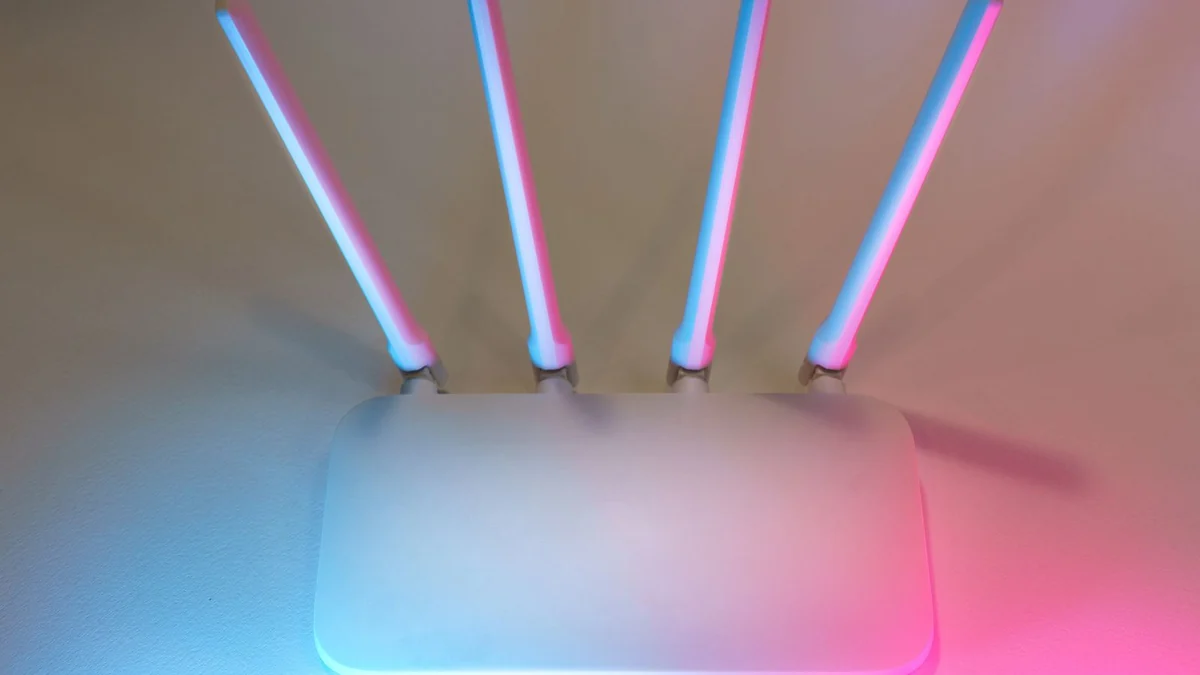
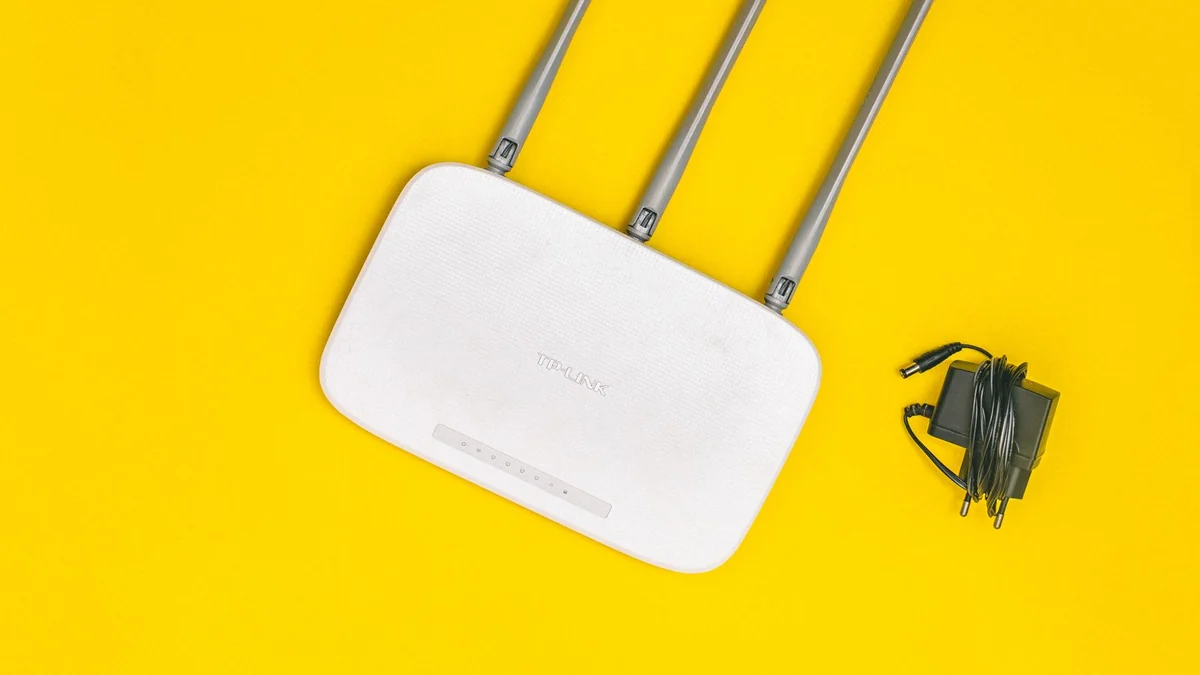
If your connection is a normal modern package and you are still buffering, the culprit is almost always Wi-Fi signal quality — the connection between your router and the device, not the one between your house and the internet. A 100 Mbps line still buffers if the signal is crossing two walls to reach a TV in the back bedroom.
Diagnose it in five minutes, for free
- Test your speed at fast.com. This one is built by Netflix and measures the throughput that matters for streaming. It is also the only speed test in the running that is not attached to a company selling broadband.
- Run it on the device that buffers, in the room where it buffers. A test on your phone next to the router tells you nothing useful.
- Now test again next to the router. If the number jumps dramatically, you have a Wi-Fi coverage problem, not a broadband problem.
- If you can, plug in by ethernet and try again. If buffering stops, that confirms it conclusively.
Fixes that work, in order of cost: move the router somewhere central and off the floor; move it away from other electronics; switch the device to the 5GHz band if available; add a mesh unit or powerline adapter for a distant room. Upgrading your broadband package is last, and only if the test beside the router is genuinely low.
How much speed do you actually need?

Be careful with the numbers you read here, because published figures disagree sharply — some sites present real-world recommendations as though they were official minimums.
Netflix’s own stated guidance has long been modest: roughly 3 Mbps for standard definition, 5 Mbps for HD and around 15 Mbps for 4K. Other sources recommend 15 Mbps for HD and 25 Mbps for 4K, which reflects real households where several devices share the line rather than the bare minimum for one stream.
The sensible reading: the minimums are genuinely low, and a typical UK fibre package clears them easily for one or two streams. If you are on fibre and still buffering, adding speed will not help — it is the Wi-Fi.
“The title I want isn’t there”
Three different problems wear the same disguise.
It hasn’t dropped yet
Netflix Originals release globally on Pacific time, which puts them at 8am UK for most of the year. Licensed films and series work differently — they arrive at midnight local time. So a title you expected first thing may simply be hours away, or may have been there since midnight while you were asleep. Our guide to what’s new on Netflix UK covers the timings in full.
Your app is showing an old catalogue
If a title is definitely live and you cannot see it, the app is caching. Netflix’s own advice is to refresh the browser, reload the app, or restart the device. This fixes it more often than people expect and takes seconds.
It isn’t licensed here
If you read about a show on an American site, there is a good chance it is not on Netflix UK at all. Rights are sold country by country. Crucially, that usually does not mean it is unavailable in Britain — it usually means another UK service has it. Our guide to how the UK and US catalogues differ explains how to track down where a title actually lives.
“Something I was watching has disappeared”
Its licence expired. Netflix leases most of what it streams for one to three years, and when a deal ends the title has to come off.
You do get warning — about 30 days — but it is easy to miss. Netflix shows a “Last day to watch on Netflix” line on the title’s details page, and flashes the same notice at the top of the screen for a few seconds when you press play.
The practical routine is one pass through My List in the last week of each month, because most removals happen on the 1st. Full detail in our guide to what’s leaving Netflix UK.
“I want to watch without a connection”
Downloads work on mobile devices — Android phones and tablets, iPhones and iPads, Amazon Fire tablets, and Chromebooks with the Play Store. You can hold up to 100 active downloads per device, though not every title can be downloaded.
Two things catch people out: downloads expire after a period rather than lasting indefinitely, and cancelling your membership deletes them — so downloading a series for a holiday and then cancelling to save a month’s fee loses you everything.
“I’m paying too much”
Before changing plan, check what you are actually using. Most households pay for a higher tier for 4K they never watch on a screen that cannot display it, or for simultaneous streams nobody uses.
Two quick wins: check whether your TV genuinely supports 4K before paying for it, and count how many people really stream at the same time. If the answer is one, you are almost certainly overpaying.
Quick answers
Why does Netflix buffer when my broadband is fast?
Because the bottleneck is between your router and your device, not between your house and the internet. Test speed in the room that buffers, then next to the router — a big gap confirms a Wi-Fi problem.
What time do new titles appear in the UK?
Netflix Originals at around 8am UK time; licensed films and series at midnight UK time.
A title is live everywhere but not in my app. What do I do?
Refresh the browser, reload the app or restart the device. Netflix’s catalogue updates server-side before your app notices.
How do I know if something is about to be removed?
Open its details page and look for “Last day to watch on Netflix”. The notice appears when a title is leaving within about 30 days.
Can I keep downloads after cancelling Netflix?
No. Cancelling deletes downloads from the device. Restarting your membership means downloading everything again.
Still stuck?
This page covers the problems that account for most UK streaming complaints. For the underlying systems — release schedules, removals and how the UK catalogue is assembled — the guides linked throughout go into proper depth on each.